
Appearance
One to One on your phone
In a One to One conversation, the operator assigns each person a language and, when allowed, a Companion phone. This is a speaking link, different from an audience listening QR.
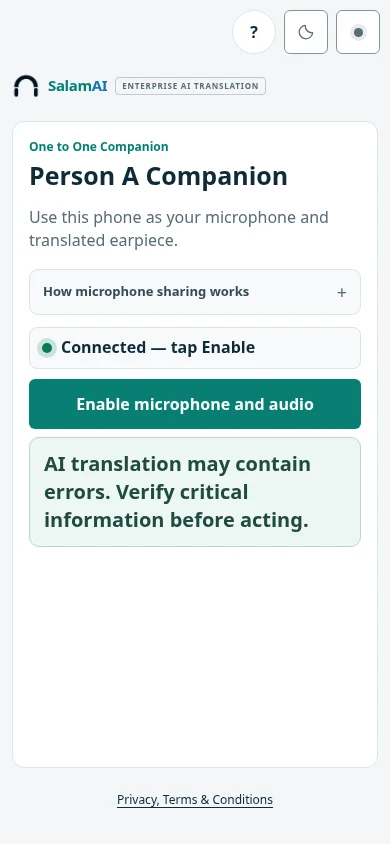
Get ready
- Ask the operator which person or side you are joining.
- Scan the QR assigned to you. Use the new link if the operator replaces it.
- Accept the displayed notice and confirm your name or details if requested.
- Tap the microphone/audio readiness action. Allow browser microphone access.
- Connect headphones and tell the operator when your phone is ready.
The operator starts the conversation after both sides are ready. Your phone supplies the microphone and playback for your assigned side; do not join both sides on the same phone unless the operator has deliberately configured that arrangement.
Take turns
In Hold to speak, hold your speaking control, say a complete short phrase and release it. Allow the translation to finish before the other person replies.
In Hands-free, follow the operator's instructions and keep microphones separated from translated sound. Headphones reduce echo. Speak one at a time for clearer results even when both microphones can listen.
If interrupted
Return to the browser after a phone call, permission prompt or app switch. Enable audio or the microphone again when prompted. If the operator reports that your side is disconnected, reconnect using your assigned link and confirm readiness before continuing.
Tell the operator before leaving or changing devices. They can check the side assignment and replace a link if necessary.